Core tool
Split PDF
The clearest entry point for self-serve visitors who want fast results.
- Long file separation
- Simple export flow
- Low-friction task
Use DocSplitr for quick document tasks like splitting PDFs, extracting useful sections and organizing long files. Start simple, then move to more advanced workflows when needed.
One file with multiple useful parts
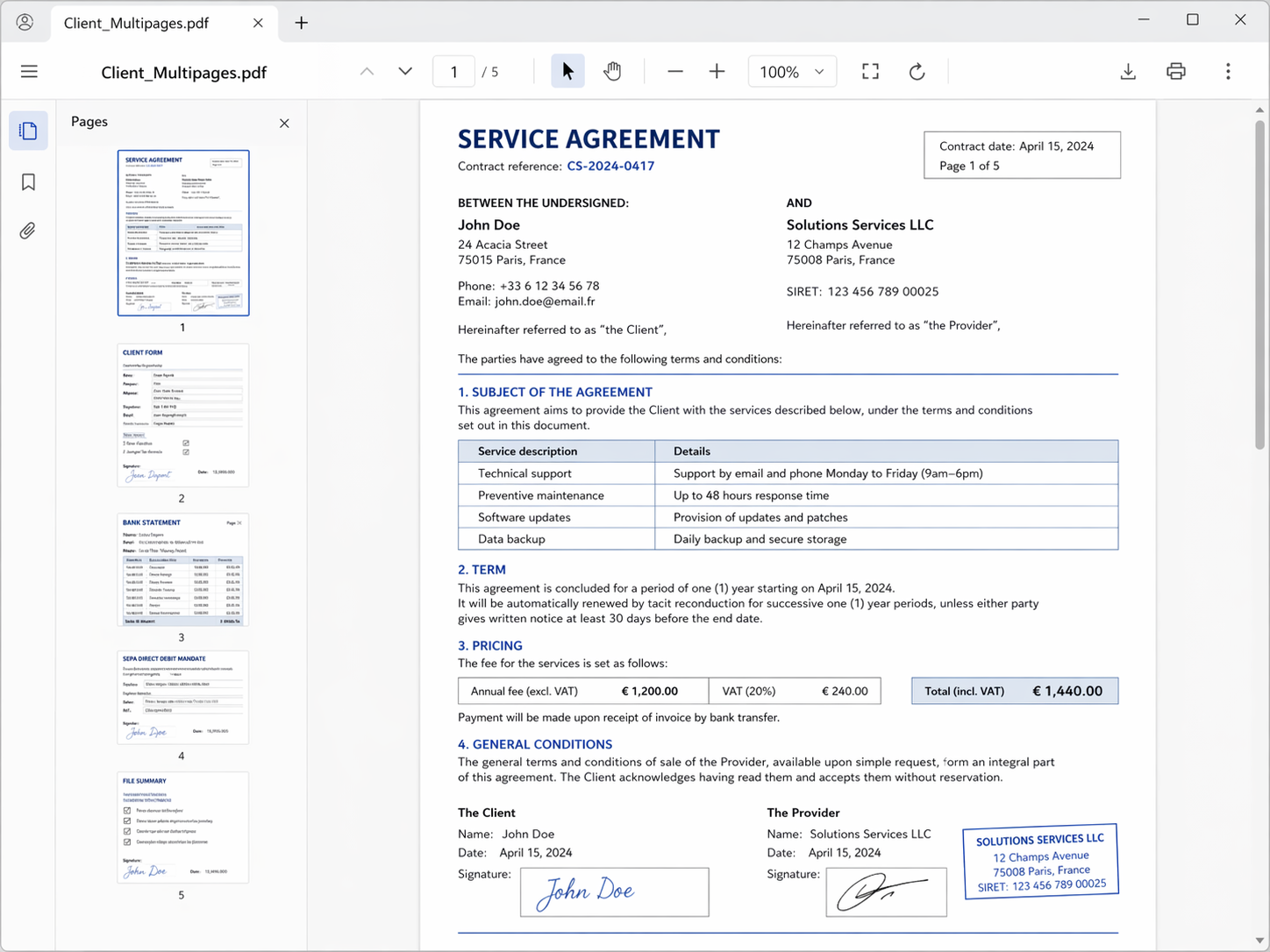
Separate documents and simpler exports
Choose the task closest to your need, whether you want to split a PDF, extract useful pages, or clean up mixed files before review or sharing.
The clearest entry point for self-serve visitors who want fast results.
For users who care less about page ranges and more about useful parts of a document.
When documents arrive in one messy file, this is the clearest bridge toward deeper product value.
Explore the full set of DocSplitr tools for common PDF and document preparation tasks, from quick self-serve actions to more structured cleanup needs.
These pages cover the most common self-serve and cleanup needs.
These pages connect quick tasks to more structured document handling.
Some tasks are quick and simple, while others involve mixed files, scanned documents, or more structured document preparation.
The broadest search intent and easiest self-serve promise.
For messier files that need clearer outputs before reuse or review.
These pages best illustrate the bridge from public tools to recurring workflows.
Whether you need to split a long PDF, extract a useful section, or clean up mixed files, start with the task that best matches your document problem.
For simple splitting, extraction, and document cleanup.
For messier inputs that need clearer outputs before review or reuse.
For teams that handle document intake on a more regular operational basis.
For simple files, a quick tool may be enough. For recurring operations, mixed bundles, or review-heavy processes, a more structured approach may be a better fit.
DocSplitr is designed to be useful for quick self-serve tasks while also supporting more advanced document handling when your needs grow.
Use the self-serve tools for quick tasks, or contact us when you need a more structured document workflow for your team.